Ordering a Tesla Model 3 in the UK, step by step: from referral link to delivery
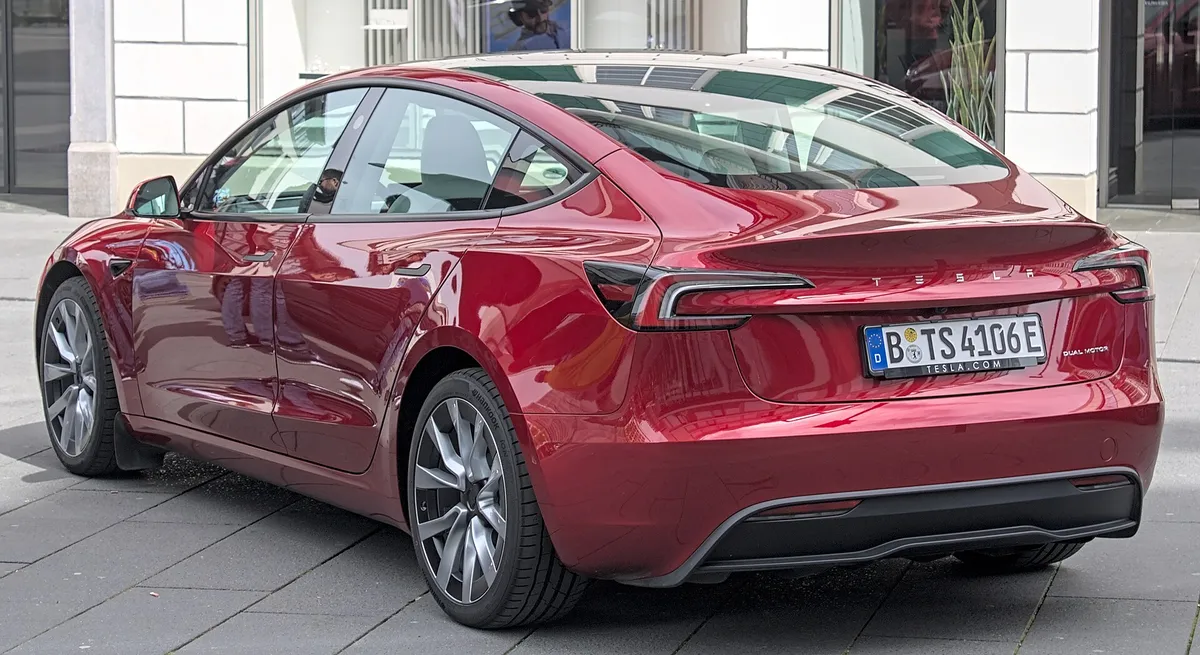
Our Step 2 page covers the referral mechanics in detail. This post zooms out to the whole Model 3 order journey — where the referral link fits among the other steps a UK buyer actually goes through, from opening the link to the car arriving.
1. Shortlist your trim before you open anything
Do this bit off-platform: compare Rear-Wheel Drive, Long Range All-Wheel Drive and Performance on range, price and how you'll actually use the car. Nothing here touches the referral, so there's no rush and no downside to taking your time.
2. Open your referral link
Your UK Tesla Referral Link
steven787345
Copy link copies the whole URL — there is no checkout field for a bare code. Click Open at Tesla first, then configure your car; the benefit is applied automatically before you pay.
This is the step that has to come before configuring. Tap Open at Tesla to land on tesla.com/en_gb with the referral already recognised, or copy the code for an in-store order instead.
3. Configure your Model 3
Pick your trim, colour, wheels and any options, staying in the same browser session you arrived in via the link. Switch between trims as many times as you like — the referral stays applied while you compare.
4. Check the order summary before you pay
Before entering payment details, scroll the full order summary. You're looking for a line confirming the referral benefit — the free Supercharging miles. No line, no benefit: close the tab, reopen the link, and reconfigure rather than paying and hoping it appears later.
5. Place the order and pay the deposit
With the benefit confirmed, complete payment. Because the referral was already recognised in step 4, there's nothing further to do at checkout to keep it — it travels with the order from here.
6. The wait between order and delivery
Tesla shows you an estimated delivery window at the point of ordering, based on current stock and your configuration. That window can vary noticeably depending on trim, colour and time of year, so treat any third-party timeframe — including a guess from us — as unreliable; the estimate shown on your own order is the one to plan around.
7. Delivery day
At handover, do the same checks any new-car buyer should: inspect the paintwork and panel gaps in good light, check the tyres and glass, and confirm the app shows the car linked to your account before you drive off. None of this affects the referral — it's simply good practice for any delivery.
8. After delivery: the miles land
The referral benefit — roughly 650 miles of free Supercharging, worth an estimated £70–£100 — is added to your Tesla account after delivery, not before. Allow a little time after handover for it to appear, and see our value breakdown for how that £ figure is worked out.
Ordering in a Tesla store instead
The sequence compresses slightly: give the sales advisor your referral code before they write up the order, rather than clicking a link yourself. Steps 6 to 8 — the delivery wait, the handover checks, and the miles landing afterwards — are identical either way.
The one step that derails the whole sequence
If there's a single mistake that costs buyers the benefit, it's configuring before opening the link — whether that's browsing the configurator out of curiosity on a work laptop, then ordering for real later from a phone that never opened the link. Treat "open the link" as literally step one, before any other part of this journey, and the rest follows in order.
UK programme verified: · figures re-checked against tesla.com/en_gb
Pillar: our Tesla referral code UK walkthrough · Related: A worked Tesla Model 3 referral example, UK, July 2026
Your UK Tesla Referral Link
steven787345
Copy link copies the whole URL — there is no checkout field for a bare code. Click Open at Tesla first, then configure your car; the benefit is applied automatically before you pay.